


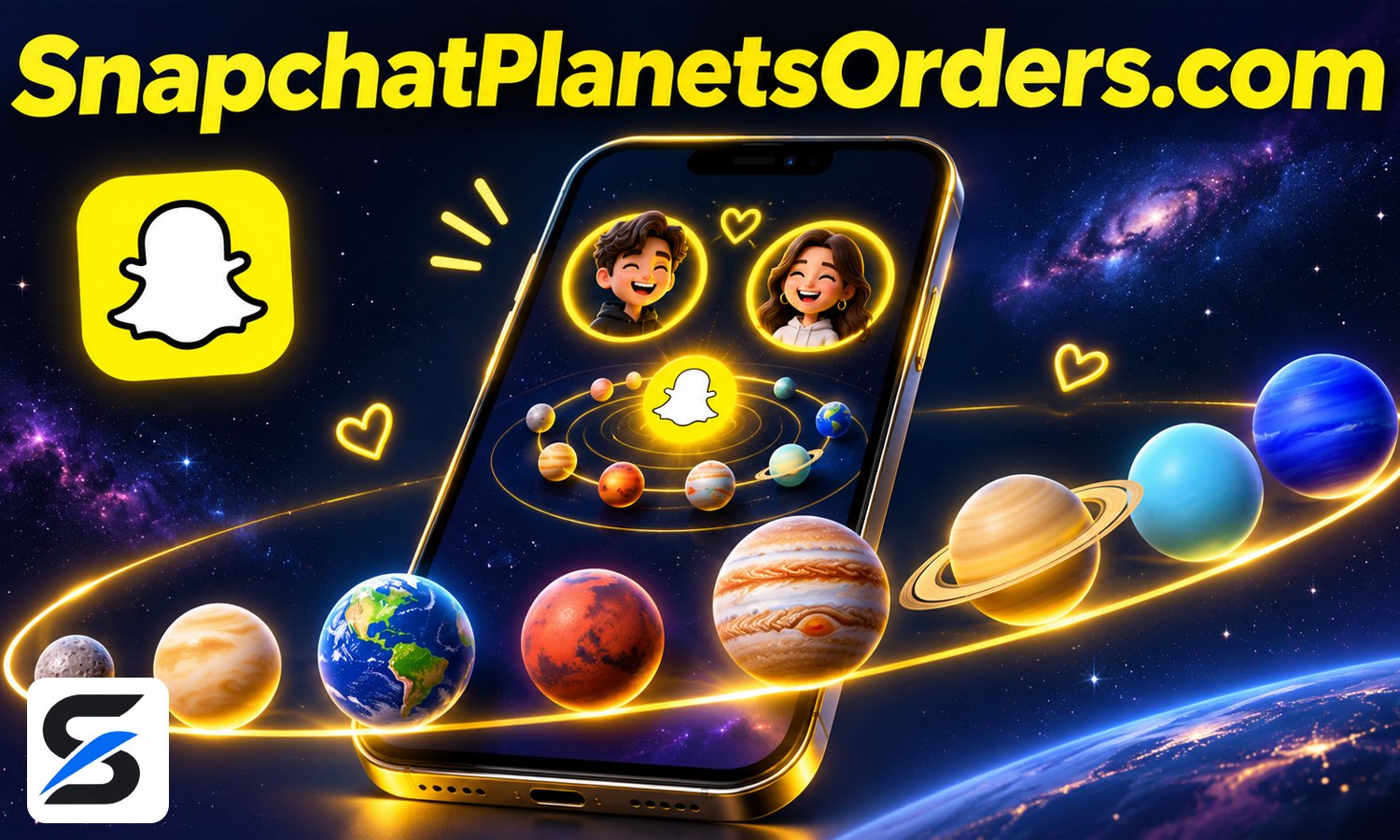
SnapchatPlanetsOrders.com points to a question that people type into search bars every day: why did my friend turn into Mars, and what does that planet say about us? Picture Maya, who opens a friend’s profile, taps a small badge, and sees herself orbiting as Mercury. She grins. Then she checks another friend and finds herself stuck out at Neptune. The grin fades fast.
This guide clears up the confusion. You will learn the full planet order, the meaning of each position, how the ranking works, where to find it in the app, and how to treat it sensibly. Every point follows the feature as Snapchat describes it and as established tech outlets have explained it.
What Are Snapchat Planets?
Snapchat Planets, officially called the Friend Solar System, turns your Best Friends list into a small solar system. You are the Sun. Your top eight friends become planets that orbit around you, and each planet shows one friend’s position in your inner circle.
Snapchat launched the feature as part of Snapchat+, its paid subscription. Without a subscription, you cannot see the solar system. Prices differ by country and change over time, so check the subscription page in the app for your local rate.
The idea builds on something Snapchat users already knew. The app has long built a Best Friends list automatically, based on how often you interact with people. The planets give that list a visual form that feels more playful than a plain ranking.
The rule is easy to remember because the planets mirror the real solar system. Closer to the Sun means closer to you. Farther from the Sun means a friend who still matters but interacts with you less often.
Snapchat Planets Order From Mercury to Neptune
The order matches the real solar system exactly. Mercury sits closest to the Sun, so it marks your closest friend. Neptune sits farthest away, so it marks your eighth closest friend. Here is the full list at a glance.
| Planet | Friend Rank | What It Means |
|---|---|---|
| Mercury | #1 | Your closest friend on Snapchat |
| Venus | #2 | Your second closest friend |
| Earth | #3 | Your third closest friend |
| Mars | #4 | Your fourth closest friend |
| Jupiter | #5 | Your fifth closest friend |
| Saturn | #6 | Your sixth closest friend |
| Uranus | #7 | Your seventh closest friend |
| Neptune | #8 | Your eighth closest friend |
Only eight spots exist. A ninth friend, however loyal, never appears in the solar system. That limit makes every position a little more meaningful, because friends compete for a very small number of places.
The order also moves. Someone who is Mercury today can slide to Venus or Mars next month if your chats cool down. Think of it as a live snapshot, not a permanent verdict.
What Each Snapchat Planet Means
Mercury is your number one. This person sends you the most snaps, opens your chats first, and keeps the conversation going. Most people feel a small thrill when they spot Mercury beside their name, and the feeling is fair. It reflects steady, frequent contact.
Venus takes second place. A Venus friend talks to you often and reliably, even if a rival chat occasionally edges ahead. The gap between Mercury and Venus can be tiny, so a few busy days may swap the two.
Earth holds third place. Snapchat draws it as a blue and green planet with a moon, and it feels fitting. Earth friends make up the stable core of your circle. You talk regularly, though perhaps not every single day.
Mars sits fourth. These friends still count as close, but the contact feels more casual. You might swap memes, reply to stories, or trade a few snaps each week without a long chat.
Jupiter and Saturn take fifth and sixth place. These friends belong to your wider circle. You enjoy their company and keep in touch, yet other people receive more of your attention. Many close friendships in real life sit exactly here, because busy schedules limit daily chats.
Uranus and Neptune fill the final two spots. They still rank among your top eight friends on the whole app, which is a real compliment. Their distance from the Sun simply shows lighter interaction compared with the inner planets.
How Snapchat Decides Your Ranking
Snapchat builds the ranking from your interactions. The app counts how often you exchange snaps, chats, and other activity with each person, then sorts your friends from most active to least active. Your closest friend becomes Mercury, and the rest follow in order.
Snap Inc. does not publish the exact formula. Snapchat tweaks its systems regularly, so the weight of each action can shift without announcement. Most guides agree that recent, two-way activity matters more than old history.
That detail explains why rankings feel unpredictable. A friend you chat with once a month cannot hold a high spot, no matter how long you have known them. A newer friend who messages you daily can climb quickly.
A few habits tend to push someone higher in your list:
- Sending snaps and chats back and forth, not just one way
- Keeping conversations active over several days
- Replying quickly instead of leaving messages unread
- Sharing group chats and stories where you both take part
None of these habits guarantees a position. They simply describe the kind of behaviour the feature rewards.
How to See Your Friend Solar System
You need an active Snapchat+ subscription, and the feature must be available in your region. If you meet both conditions, the planets appear in a few taps. The steps below work on most recent versions of the app.
- Open Snapchat and go to your Friends list or chat screen.
- Tap a friend’s name to open their profile.
- Look for the badge that shows your friendship status.
- Tap the badge to see your place in their solar system.
The badge shows where you sit in their list, not where they sit in yours. That difference confuses many people at first. You are looking at your own planet inside their orbit, and the planet may differ from the one they hold in yours.
If you cannot find the badge, update the app first. Then confirm that your subscription is active. Snapchat sometimes rolls features out in stages, so the option may arrive later on some accounts.
Why Your Planet Differs From Your Friend’s
Imagine two friends, Sam and Priya. Sam sends Priya a snap every morning, and Priya answers when she has time. In Sam’s solar system, Priya is Mercury. In Priya’s solar system, Sam may be Jupiter, because Priya also chats daily with her sister and two teammates.
Neither friendship is wrong or weak. Each person has a different group of contacts, and each person spreads attention differently. Your ranking depends on all your other chats, not just the one in front of you.
This asymmetry is the most common reason for hurt feelings. A person who sees themselves as Neptune in a friend’s orbit may assume the friend cares little. In reality, that friend may simply talk to far more people.
Treat the difference as information about habits, not about love. If you want a higher spot, send a message. If the friendship already feels warm, the planet does not need to change anything.
Best Friends Badge vs Friends Badge
Snapchat shows two badges on profiles, and they are easy to mix up. The Best Friends badge means you appear in each other’s solar systems. You rank in their top eight, and they rank in yours.
The Friends badge appears when the connection runs in only one direction, or when you do not reach the top eight with each other. It tells you that you know each other well enough to see the badge, but the match is not mutual.
Neither badge measures the real strength of a friendship. They measure activity inside one app. People who prefer calls, texts, or meeting in person may show up lower than their real closeness deserves.
Using Snapchat Rankings Without Stress
A ranking can feel personal because it compares people. Your friend list becomes a scoreboard, and scoreboards invite worry. Remember that the planets measure snaps and chats, nothing more. They cannot see a long phone call, a shared meal, or a favour done last week.
If a rank bothers you, step back and notice how you feel. Constant checking can affect your mental wellbeing, especially when you compare yourself with others. Setting limits on app time is a simple way to protect your mood.
Good healthy habits apply online as well. Reach out when you want to connect, mute chats that drain you, and spend time with friends away from your screen. The strongest friendships rarely depend on a position in an app.
Finally, enjoy the feature for what it is. It is a lighthearted visual that sparks conversation. Laugh when you land on Neptune, tease the friend who ranks you Venus, and move on.
Conclusion
Snapchat Planets give your Best Friends list a clear shape. Mercury marks your closest friend, Neptune marks your eighth, and each planet between them follows the real order of the solar system. The ranking reflects how you interact, so it changes whenever your habits change.
Your place in a friend’s orbit may differ from their place in yours, and that difference is normal. People spread attention across many chats, so a lower planet does not mean a weaker bond. Use the feature as a fun snapshot, not a final judgement.
If you remember one idea, remember this: friendships live in conversations, not in colourful icons. Send the message, share the joke, and let the planets take care of themselves.
