


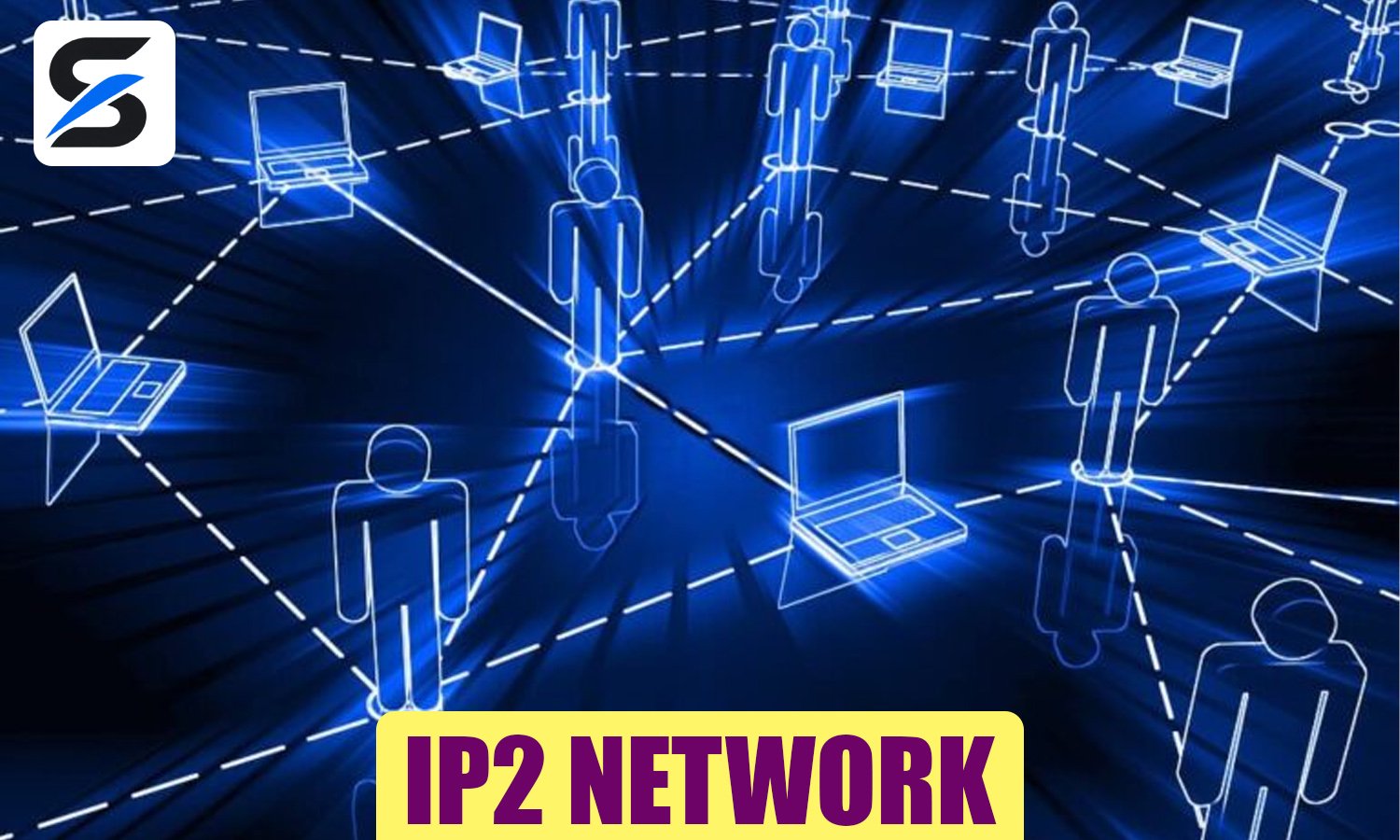
The IP2 Network is a name that keeps appearing in conversations about faster, safer and smarter internet connections. Imagine Maya, who runs a small design studio. Her video call with a client freezes in the middle of a pitch, her files crawl through the upload bar, and she starts to wonder whether the problem is her router, her provider or the internet itself. Questions like hers are why people search for the IP2 Network.
This guide explains the idea in plain language. You will learn what people mean by the term, how the technology is said to work, where it fits next to IPv4 and IPv6, and what benefits and risks come with it. By the end, you will know what to look for before you trust any network service with your data.
What Is the IP2 Network?
The IP2 Network is usually described as a next-generation networking approach that aims to move data faster, protect it better and manage itself with less human effort. Writers often present it as a successor to older internet addressing and routing methods. Others use the name for a connectivity service built on a high-speed backbone and a global set of partner networks.
Because the term is used in several ways, you should always check how a provider defines it. Some sources treat it as a protocol, meaning a set of rules for sending data. Others treat it as a commercial network with servers and peering links in many regions.
The common thread is a promise of lower delay, steadier speeds and stronger protection. That promise appeals to anyone who streams, games, works remotely or runs an online business.
Think of it as a motorway built beside an old country road. Both reach the same towns, but one is designed for heavier traffic and fewer jams.
How the IP2 Network Works
At its simplest, every network does one job: it breaks information into small packets, sends them across many connected devices and rebuilds them at the other end. The IP2 Network follows the same basic idea, but descriptions say it handles each step with more precision.
Routing sits at the centre of the design. Instead of sending packets along a fixed path, the network is said to choose routes based on live conditions such as congestion, distance and device health. If one path slows down, traffic shifts to a faster one within moments.
Encryption forms the second layer. Data is scrambled before it leaves your device and unscrambled only by the intended receiver. That makes it much harder for a stranger on the same connection to read what you send.
The third layer is monitoring. Software watches traffic patterns, flags odd behaviour and can block suspicious activity before it spreads. Many descriptions call this AI-driven threat detection, which simply means the system learns what normal traffic looks like and reacts when something differs.
Together, these layers aim to deliver a connection that feels quick, stays stable and protects what you share.
Key Features of the IP2 Network
Readers who skim a feature list want to know what they actually get. These are the points most often linked to the IP2 Network:
- Intelligent routing: Data paths adjust automatically to avoid slow or crowded links.
- Built-in encryption: Information is protected while it travels between devices.
- Self-healing management: The network detects faults and repairs or reroutes around them.
- Scalability: It can grow from a handful of devices to thousands without a full redesign.
- Backward compatibility: It is meant to work alongside existing internet systems, so users do not need to replace everything.
Speed is the feature most people notice first. A dedicated backbone and a wide peer network can cut the distance data travels, which lowers latency for video calls, games and cloud tools. Many providers also place content on regional servers close to users, a method known as a content delivery network.
Reliability comes next. Redundancy means there is always a spare path, so one broken link does not take the whole service offline.
Automation also matters for businesses. When the network handles routine fixes alone, IT teams spend less time on emergencies and more time on real projects.
IP2 Network vs IPv4 and IPv6
To judge any new networking idea, compare it with what already exists. IPv4 is the older addressing system and still carries a huge share of internet traffic. IPv6 arrived to solve the shortage of addresses and now runs alongside IPv4 across much of the world.
The IP2 Network is usually pitched as going beyond addressing. It focuses on smarter routing, stronger privacy and easier management rather than only adding more addresses.
| Feature | IPv4 / IPv6 | IP2 Network (as commonly described) |
|---|---|---|
| Routing | Mostly fixed rules | Adaptive, based on live conditions |
| Security | Added through extra tools | Built into the design |
| Management | Largely manual | Increasingly automated |
| Compatibility | Established worldwide | Designed to work with existing systems |
This table shows why the comparison is not simple. IPv4 and IPv6 are proven standards with decades of testing. The IP2 Network is newer, and its claims deserve careful reading.
A fair view is that the two approaches can sit side by side. Established protocols provide the foundation, while newer layers add speed and protection on top.
Real-World Uses of the IP2 Network
Theory is useful, but stories show value. Return to Maya’s studio. After she moves her team to a network with adaptive routing, her video calls stay sharp even when three people upload large design files at once. Her client never sees a frozen face again.
Remote work is the clearest use case. Teams spread across cities need steady connections for calls, shared documents and cloud storage. A network that reroutes around congestion keeps meetings smooth.
Online gaming and streaming also benefit. Both depend on low latency, and even a short delay can ruin a match or cause a video to buffer. Regional servers and optimised paths reduce that lag.
Businesses use similar networks for secure data transfer. Banks, shops and healthcare providers move sensitive records every day, so encryption and threat monitoring are central needs.
Smart devices form another growing area. Homes and factories now connect sensors, cameras and appliances, and a scalable network can handle that rising number without slowing down.
Benefits for Individuals and Businesses
For everyday users, the biggest gain is a calmer online life. Pages load faster, calls stay clear and downloads finish sooner. That sounds small, but constant buffering and dropped connections add real stress over a week.
That stress connects to broader digital wellbeing. A reliable connection means fewer moments of frustration, which supports better focus and a healthier relationship with technology.
Security is the second major benefit. Encryption and monitoring reduce the chance that a stranger intercepts your messages, passwords or payment details. Anyone who has used public Wi-Fi in a café understands why that matters.
Businesses gain cost savings. Automated management lowers support workloads, and efficient routing can reduce the need for expensive hardware upgrades. Scalability also lets a company grow without rebuilding its network every year.
Finally, a stable network builds trust. Customers who never face outages or slow checkouts return more often, and that quiet loyalty is worth more than any advertisement.
Risks and Limitations to Consider
No technology is perfect, and the IP2 Network is no exception. The first risk is inconsistent information. Different websites define the term in different ways, so a claim that holds for one provider may not hold for another.
Compatibility is the second concern. Older equipment may struggle to work with newer networking methods, which can mean extra cost for upgrades or adapters. Always test a service with your own devices before moving everything across.
Privacy deserves close attention. Any network that handles your traffic can, in theory, see patterns in how you use it. Read the privacy policy, check where data is stored and confirm what the provider logs.
Accuracy can also vary when location data is involved. Some IP-based tools estimate where a user sits, and those estimates are not always exact. Treat them as a guide rather than a fact.
Last, remember that constant connectivity has a human cost. Long hours online raise screen time and can add to fatigue and stress, so a faster connection should not mean endless working hours. Resources on screen time and stress can help you build healthier habits.
How to Get Started Safely
Starting with any new network service works best when you move step by step. Rushing is how people end up with broken connections or exposed data.
- Define your goal. Decide whether you want faster speeds, better security or easier management.
- Research the provider. Look for clear contact details, a physical company address and independent reviews.
- Read the terms. Check the privacy policy, data logging rules and refund conditions.
- Test on a small scale. Try one device or one team before changing your whole setup.
- Measure the results. Run speed tests before and after, and note any change in delay or drops.
Keep your own devices secure as well. Update your software, use strong and unique passwords, and switch on two-factor authentication wherever it is offered.
If something feels unclear, ask the provider direct questions. A trustworthy company answers plainly and does not hide behind technical jargon.
Keep a simple record of what you change and when. If a problem appears later, that log helps you find the cause quickly and saves hours of guesswork.
Where the IP2 Network Is Heading
Interest in smarter networking is growing because the number of connected devices keeps rising. Phones, watches, cars, cameras and household appliances all compete for bandwidth. Networks that manage themselves will matter more each year.
Artificial intelligence is likely to play a larger part. Traffic prediction, automatic fault repair and faster threat detection are all areas where learning systems can help. Descriptions of the IP2 Network often point to these goals.
Privacy will stay a central theme. People now ask who sees their data and why, and providers that answer openly will earn more trust than those that stay vague.
Standards will shape the outcome as well. Any new approach succeeds when it works smoothly with existing systems and when independent experts can test its claims. Watch for clear documentation and open discussion, because they signal a mature technology.
For now, the sensible path is curiosity with caution. Learn the idea, test it carefully and let real results guide your choice.
Conclusion
The IP2 Network represents an appealing idea: a faster, safer and more self-managing way to connect people and devices. Its promise of adaptive routing, built-in encryption and automated care speaks to problems that Maya and millions of others face every day.
At the same time, the term is used in different ways, so clear definitions and honest testing matter. Compare it with IPv4 and IPv6, check a provider’s privacy practices and measure real performance before you commit.
Treat the technology as a tool, not a cure for every connection problem. With careful research and a step-by-step approach, you can decide whether the IP2 Network deserves a place in your home or business.
